Detect AI-powered identity spoofing attempts
Manipulated photos, deepfakes and synthetic identities can enable fraud attempts in facial verification processes. Antispoofing Facial is a service you can consume via API to analyze selfies and determine whether they belong to a real person present in front of the camera or to an image used to fool the system.
To generate your API Key, you need a paid VU plan.
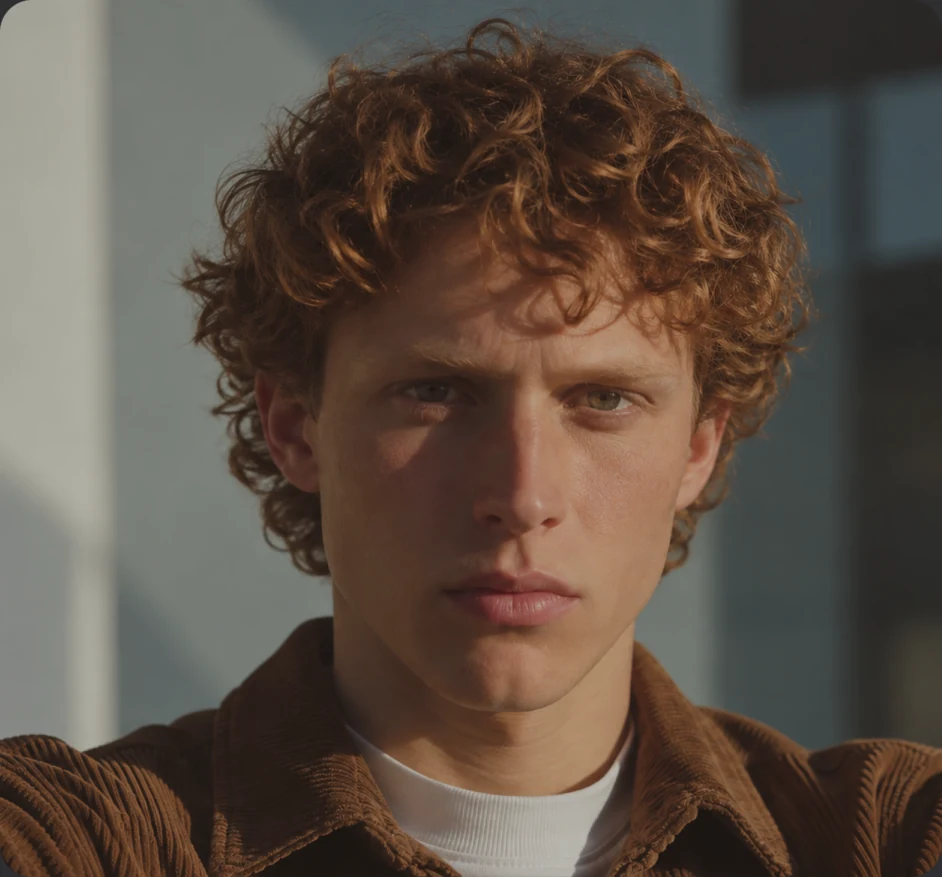
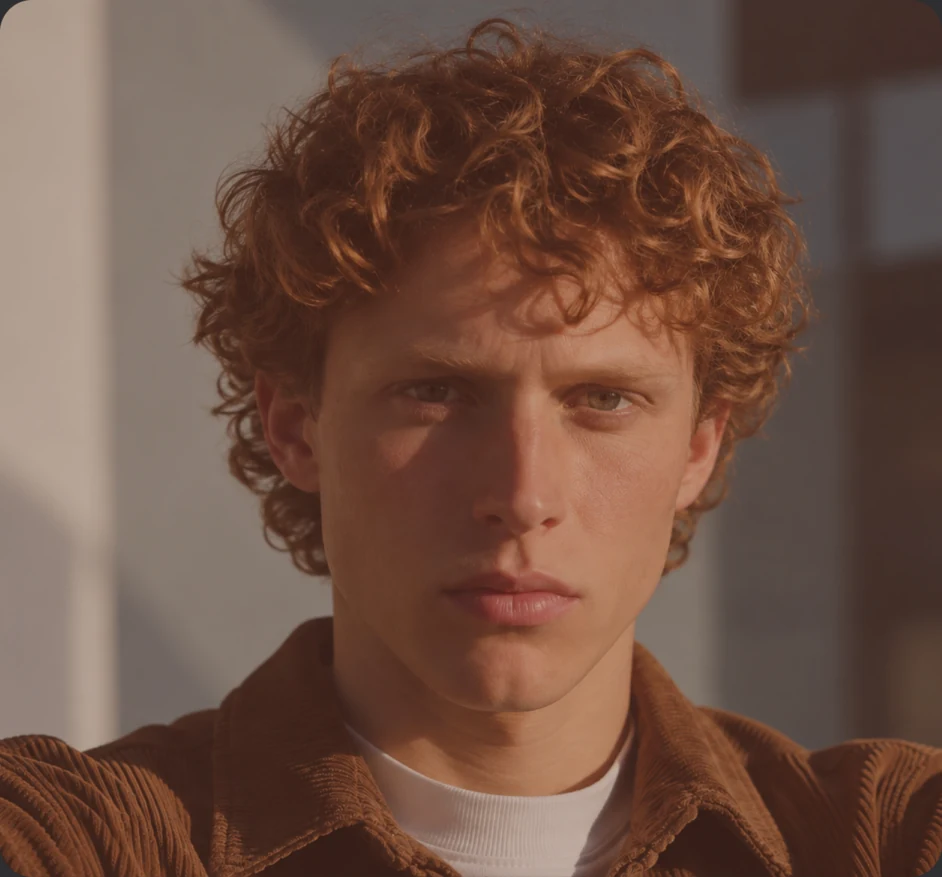
The same selfie with Antispoofing Facial's analysis overlaid. "spoofing": true, "fake": 0.95, "confidence": 0.99
Security backed by certifications and independent testing
iBeta PAD Level 3 compliant
ISO/IEC 30107-3 · Liveness
ISO/IEC 27001:2022
Information security management
ISO/IEC 27017:2015
Security for cloud services
If it doesn't show up in your data, your data may not know how to look for it
Deepfake fraud does not always look like fraud. A constructed identity can behave like a legitimate user, meet its obligations and never trigger an alert. The industry calls it measurement blindness: the absence of a signal in your data does not mean the risk is not there.

What this API answers, plainly.
For every image it determines whether there is a real person present in front of the camera or a spoofing attempt. It does not determine whether the identity behind it is synthetic: that is a different control.
Case 01
You already have another provider
You are not going to migrate everything to try one specific capability. You consume only this API, alongside the provider you already have.
Case 02
You want to audit what you already have
You run the API in batch over your image archive, without touching the flow in production. You send selfies at 640 × 480 or above: below that resolution it loses accuracy.
Case 03
You are building your own product
You need the detection piece, not a whole platform. You integrate it and keep control of the rest.
One question, one clear answer
VU's other APIs return data for your policy to interpret. This API returns a verdict directly. That is why you can easily test it against cases you have already identified.
- Edges of another screen inside the frame
- Photocopies and printouts
- Watermarks
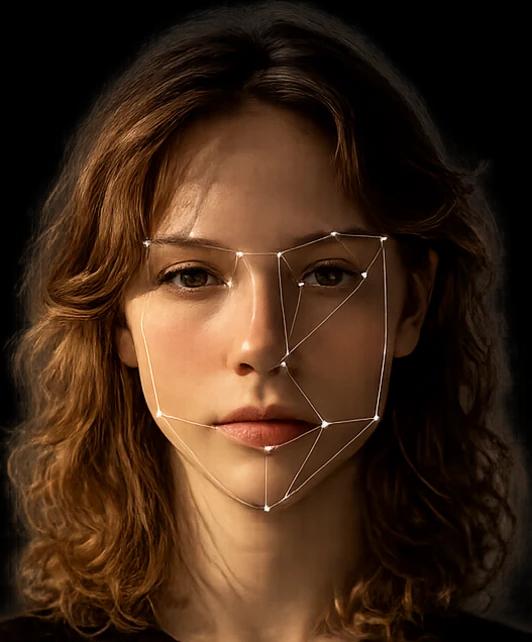
- Faces generated by artificial intelligence
- Screenshots
- Colour alterations
It works on an image, not on a camera stream
Liveness detection
It takes a selfie that you send, without controlling the capture. It does not depend on how or when the image was taken. Liveness detection is a camera-driven flow.
Integration
It does not replace Identity Link when you need a full verification. It is a piece that integrates on its own or with VU's other 3 solutions.
Complementary controls
A deepfake is not stopped by a single control. This API analyses the image. An injection enters the flow directly, with no camera involved, and calls for device controls. They are different threats and they call for different controls. How that defence is put together.
Two endpoints and one decision rule.
No SDK, no dependencies. Call the API from your backend: the key is never exposed in a mobile app or in the browser.
| Element | How it works |
|---|---|
| GET /version | Checks connectivity and credentials before integrating |
| POST /inference | Sends the image and returns the verdict |
| Authentication | Api-Key header. Each service has its own key, per environment |
| Base URL | VU provides it along with the key, depending on the environment |
| Input | image in base64, info as a business reference and logAnonymity |
| Output | id, code, spoofing, message, confidence and benchmark |
// Header: Api-Key: <your service key>
{
"image": "<JPEG in base64, no prefix>",
"info": "your business reference",
"logAnonymity": true
}- "spoofing": false The image comes from a real person present. You approve.
- "spoofing": true There is a spoofing attempt. You do not approve.
if (status === 200 && body.spoofing === false) {
approve();
} else {
doNotApprove();
}The size of the selfie decides how much accuracy you get.
- Aspect
- Recommended resolution
- Value
- 640 × 480. This is the resolution the service is calibrated with*
- Aspect
- Format
- Value
- JPEG, quality 95 or higher
- Aspect
- Encoding
- Value
- base 64 with no data: prefix and no line breaks
*The minimum accepted resolution is 224 × 224; anything lower will return an error.


Self-service: connect this API with no middlemen
With a paid plan, you generate the key from VU's panel and call the service from your backend.
- 01You sign in with your emailat portal.vu-one.com
- 02
You confirm accesswith the method the panel offers you
- 03
You open Cloud Servicesin the side menu
- 04
You choose Antispoofing Facialamong the available services
- 05
You generate the API keywith a paid plan, for the environment you're going to use
- 06
You copy the key and call GET /versionto confirm that everything responds
To generate your API Key, you need a paid VU plan.
Frequently Asked Questions
You already have the images. The answer is missing.
Generate your key and test a selfie from a case you already know.
To generate your API Key, you need a paid VU plan.
